
Clean up your audiobook collection
Shelfarr is a free, open-source bulk audiobook renamer that proposes clean, consistent filenames using embedded tags and optional Audiobookshelf metadata. Preview changes before applying them, rename in batches, and undo when needed.
Shelfarr gets better by handling real audiobook libraries. Join the Discord to work through difficult rename cases, share examples, and suggest improvements. If a filename or structure isn’t right, this is where it’s resolved.
What you get
A focused tool with the right defaults: fast scanning, safe renames, and human-friendly review.
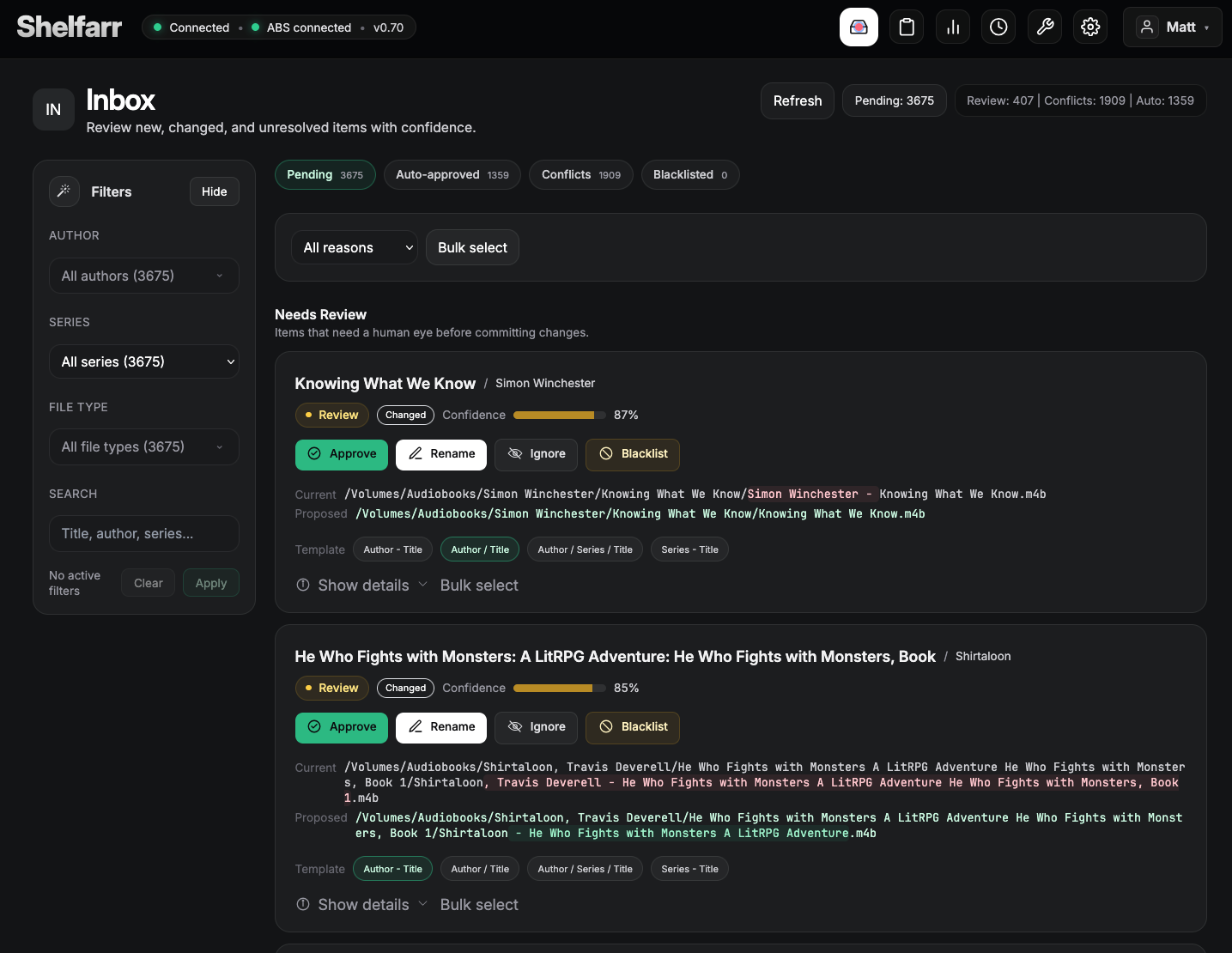
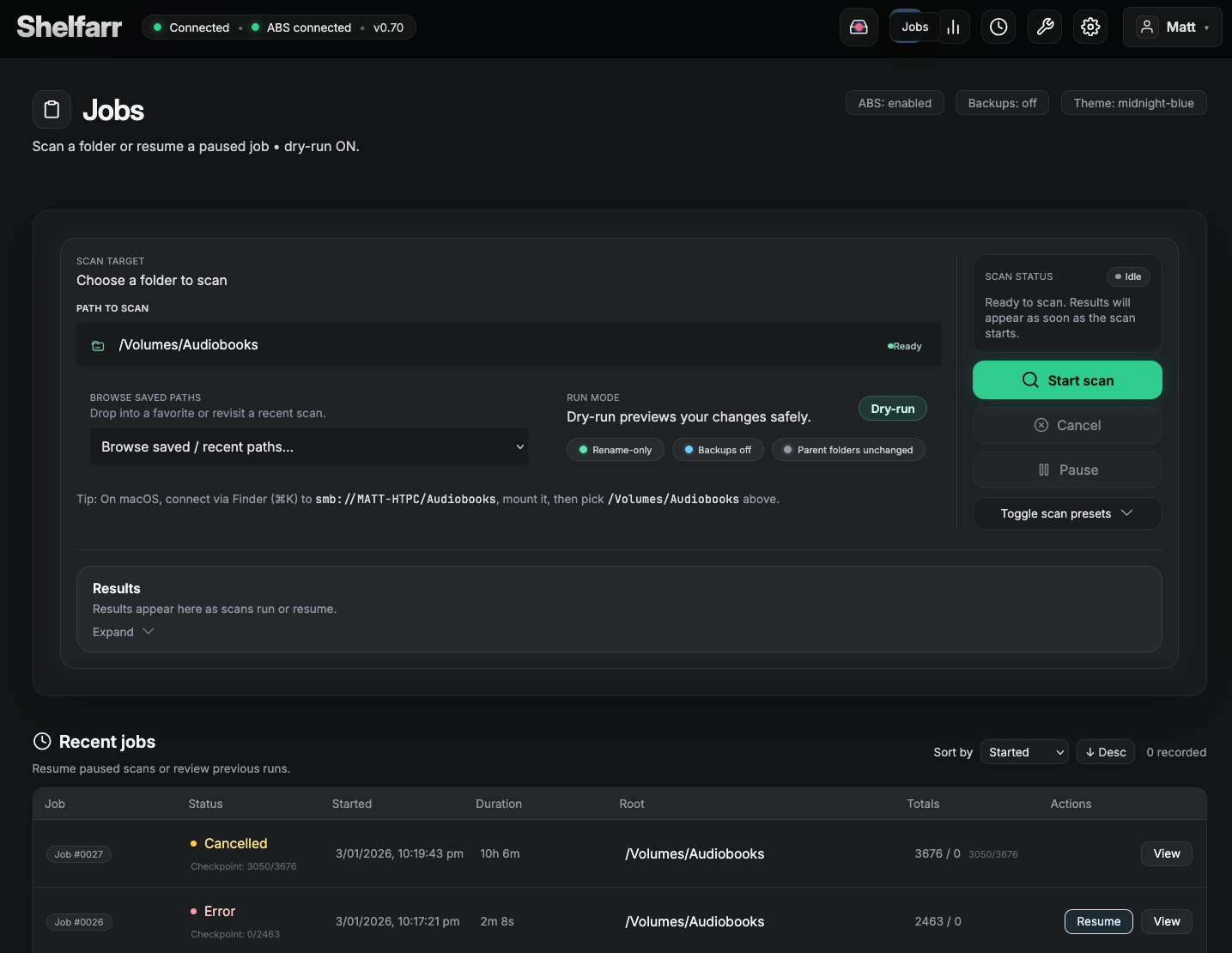
Everything is proposed before it’s applied. Start with dry-run and enable backups when you’re ready.
Uses embedded tags and can cross-check Audiobookshelf for better titles and authors.
Use {author}, {series},
{title} and folders to standardize your library.
Quick start (Docker Compose)
Run Shelfarr locally and mount your library at /library.
services:
  shelfarr:
    image: vacantlycrushing/shelfarr:latest
    ports:
      - "5055:5055"
    environment:
      PORT: "5055"
      ABR_SETTINGS_DB: "/data/settings.db"
      ABR_HISTORY_LOG: "/data/shelfarr_history.jsonl"
      ABR_LOG_FILE: "/data/shelfarr.log"
    volumes:
      - ./data:/data
      - /path/to/your/audiobooks:/library
restart: unless-stoppeddocker compose up -dhttp://localhost:5055, point Shelfarr at your mounted
folder, and start a scan.
Run locally (Python)
Prefer not to use Docker? Run the server directly on macOS, Windows, or Linux.
python3 -m venv .venv
source .venv/bin/activate
pip install -r requirements.txt
PORT=5055 python3 app.pyhttp://localhost:5055. Use normal filesystem paths
(e.g. /Users/you/Audiobooks).
py -m venv .venv
.\.venv\Scripts\Activate.ps1
pip install -r requirements.txt
$env:PORT = "5055"
py .\app.pyD:\Audiobooks).
app.py (or inside your Docker container).
Your browser is only the UI client.
Configuration
Most settings are available in the UI. These environment variables are useful for deployment.
# Server
PORT=5055

# Paths (persist these)
ABR_SETTINGS_DB=/data/settings.db
ABR_HISTORY_LOG=/data/shelfarr_history.jsonl
ABR_LOG_FILE=/data/shelfarr.log

# Audiobookshelf (optional)
ABS_BASE_URL=http://audiobookshelf:13378
ABS_TOKEN=YOUR_ABS_API_TOKEN

# Safety
ABR_DRY_RUN=1
ABR_BACKUP=1
Screenshots
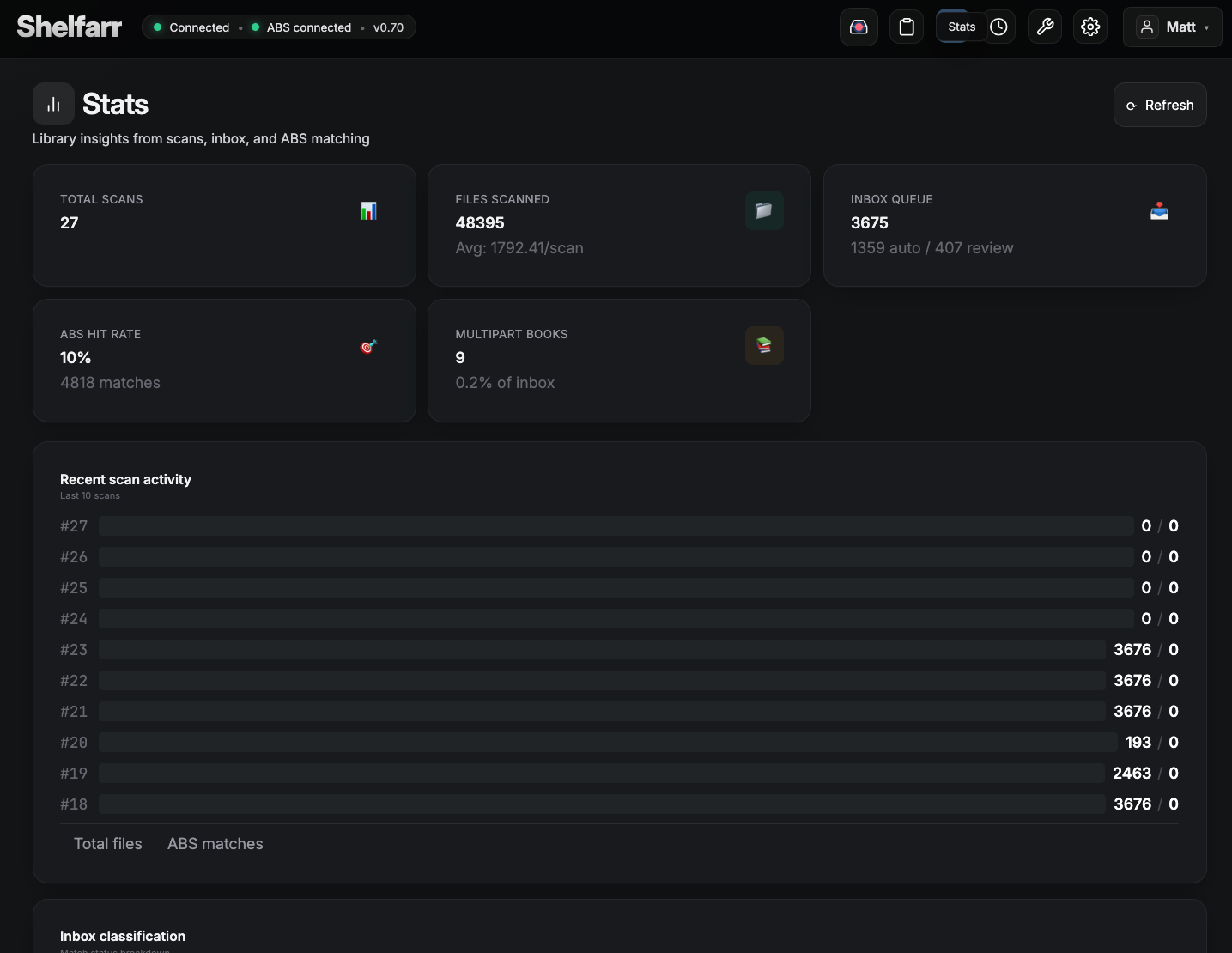
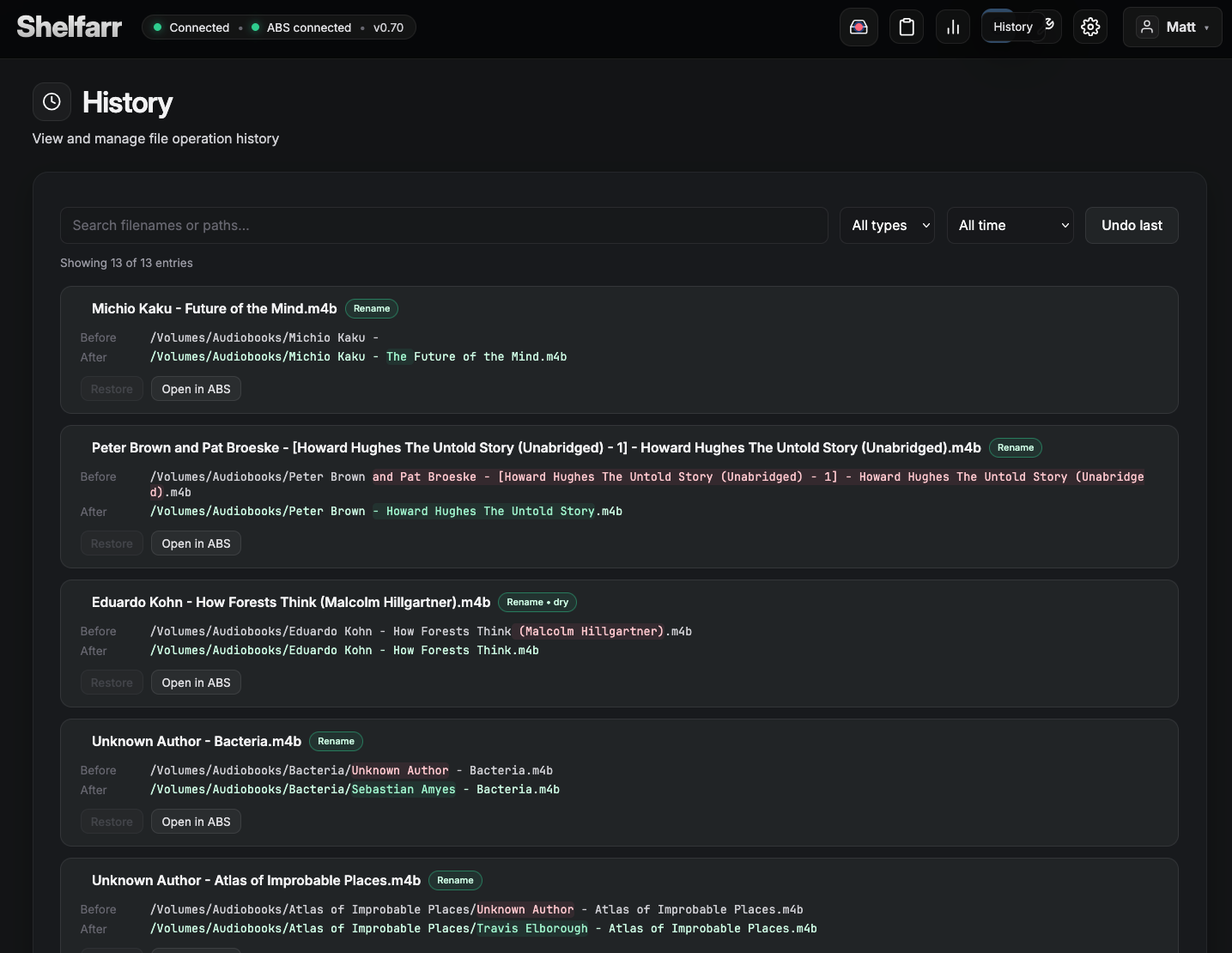
A quick look at scanning and stats.
FAQ
Shelfarr works with common audiobook file formats, including M4B, M4A, and MP3. For metadata, it can optionally pull information from Audiobookshelf, alongside embedded tags already present in your files.
Shelfarr doesn’t assume your tags are perfect. It shows you what it finds, highlights uncertain matches, and lets you fix or override details before anything is renamed.
No. Shelfarr always shows you a preview before anything is renamed. You stay in control of what changes are applied, which makes it safe to use even on large or messy libraries.
Shelfarr scans your audiobook files, reads embedded tags and optional metadata, and proposes clean, consistent filenames based on your chosen template. You can review all changes first, apply them in batches, and undo them if needed.
Yes. Shelfarr detects multi-part audiobooks and offers sensible grouping options. You can review how parts are grouped, switch between handling modes, and choose what fits your library before applying changes.